
Members
Download the Workbook file
Updated 24 Nov 2026
This guide helps members download their DAO's data as an .xlsx file laid out like the DEP 3 Workbook.
Steps
- Open your DAO and the Workbook file tab (the last tab; or ☰ → Everyone in a DAO → Workbook file).
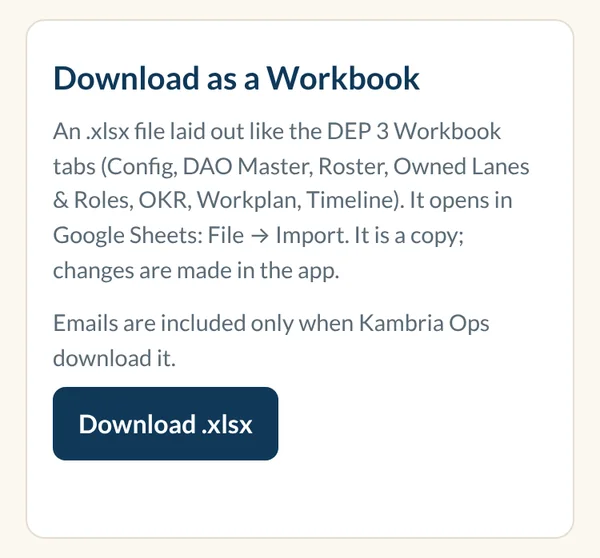
- In Download as a Workbook, tap Download .xlsx.
- The page says Preparing the file…. Then the file downloads, named like "DAO Workbook - CIRCLES - 2026-11-24.xlsx".
- Open it in Google Sheets with File → Import, or in another spreadsheet app.
Good to know
- The file has the tabs Config, DAO Master, Roster, Owned Lanes & Roles, OKR, Workplan and Timeline.
- It is a copy. Changes are made in the app, not in the file.
- Emails are included only when Kambria Ops download it. Your file has no emails.
- Importing a Workbook into the app is for Kambria Ops only. Members see Only Kambria Ops can import.
- Keep the file private: it holds the names and details of your DAO's members.
If something goes wrong
- The file couldn’t be made. Please try again.